Resident's Newil&Bau App

App user guide

N&B Homes are full of services that make life easier. Our mobile app makes using them effortless for a resident of N&B Homes.

iOs

Get it on the App Store

Android

Get it on Google Play

User names and passwords

Take the app into use

  1. Download the Newil&Bau App from Apple app store or Google Play store for your mobile device.
  2. Open the app and press the button ‘New username or password’ at the bottom of the screen.
  3. Fill in the form with your personal information and send it. Then the housing company management will screen the user’s info, so that it matches the resident list. After the screening is done, you will be sent an email with the user name and link to choose a password.
  4. Note: if you need multiple usernames for the residents in the same apartment, fill the form for all those users, as the username is personal.

Book services in an appBook services

Reservation calendar

Book spaces & services

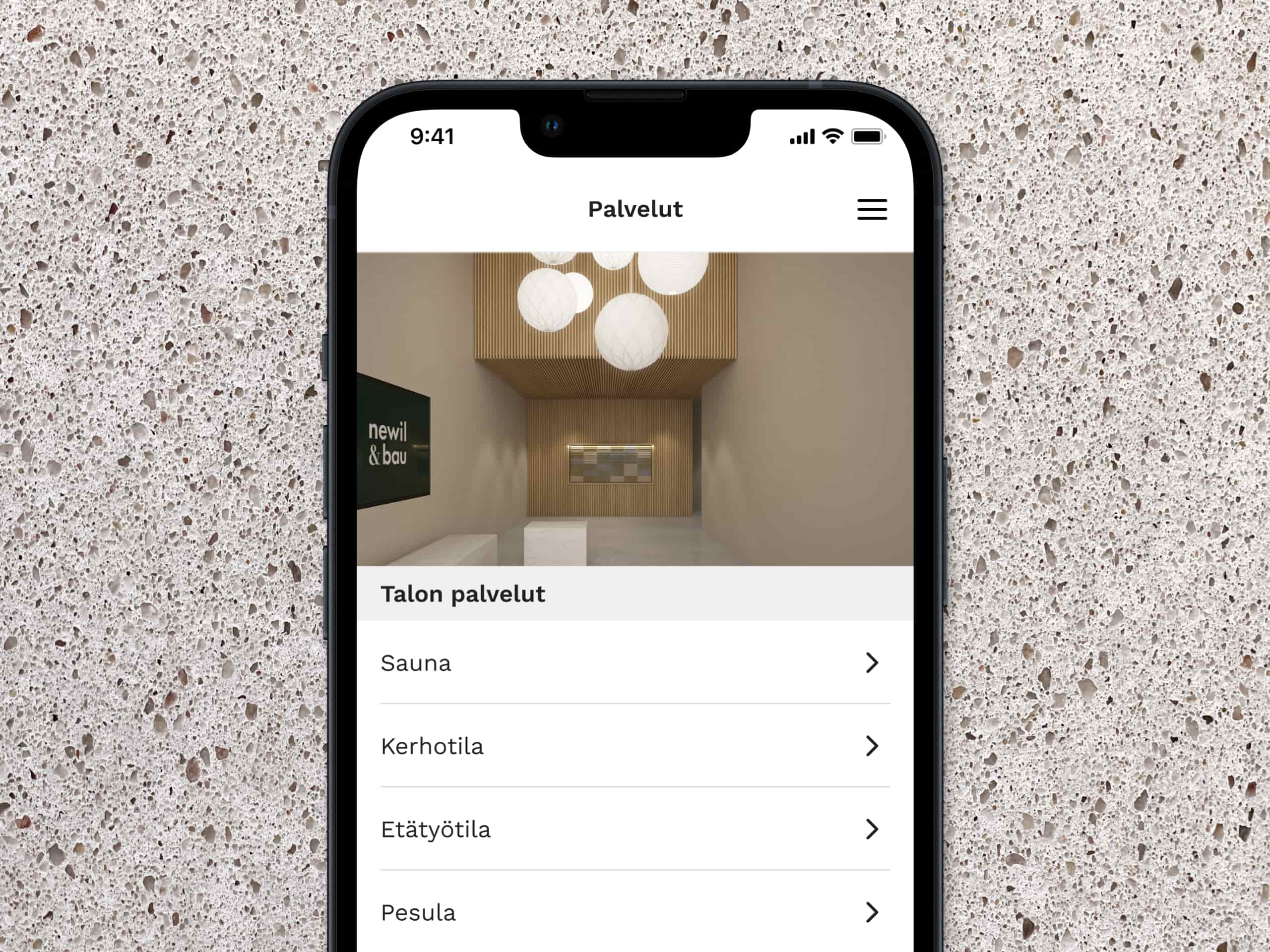
With the app, you can easily book shared spaces and services. You can book e.g. shared bicycle or a place in the remote working space. Where needed, you will automatically get an access code that lets you open the door to the booked space during your reservation.

Available services vary based on the destination.
This is how it works

Booking a service or space

The lobby display and mobile app show the real-time availability of shared services. You can book services well in advance to ensure availability exactly when you need them. Please be considerate of your neighbors – if you no longer need a booking, remember to cancel it in time. The housing company may also set specific terms or rules for certain services. You can find these in the description of each service. Please note that some spaces or services, like remote workspaces, usually allow multiple people to make bookings at the same time. You can view, edit, or cancel all your reservations under the My Reservations section in the app.

How to make a reservation:

  1. Open the Services view in the app and select the service or space you want to book.
  2. Browse the calendar to see availability for your desired date.
  3. Tap Book, select the start and end time for your reservation, then confirm it.
  4. You’ll see a summary view confirming that the service is now reserved for you.
  5. If your reservation includes an access code (e.g., for a door), the code will be shown in the reservation summary.

Impressive entranceSafe locks

Open doors

Let your guests in safely

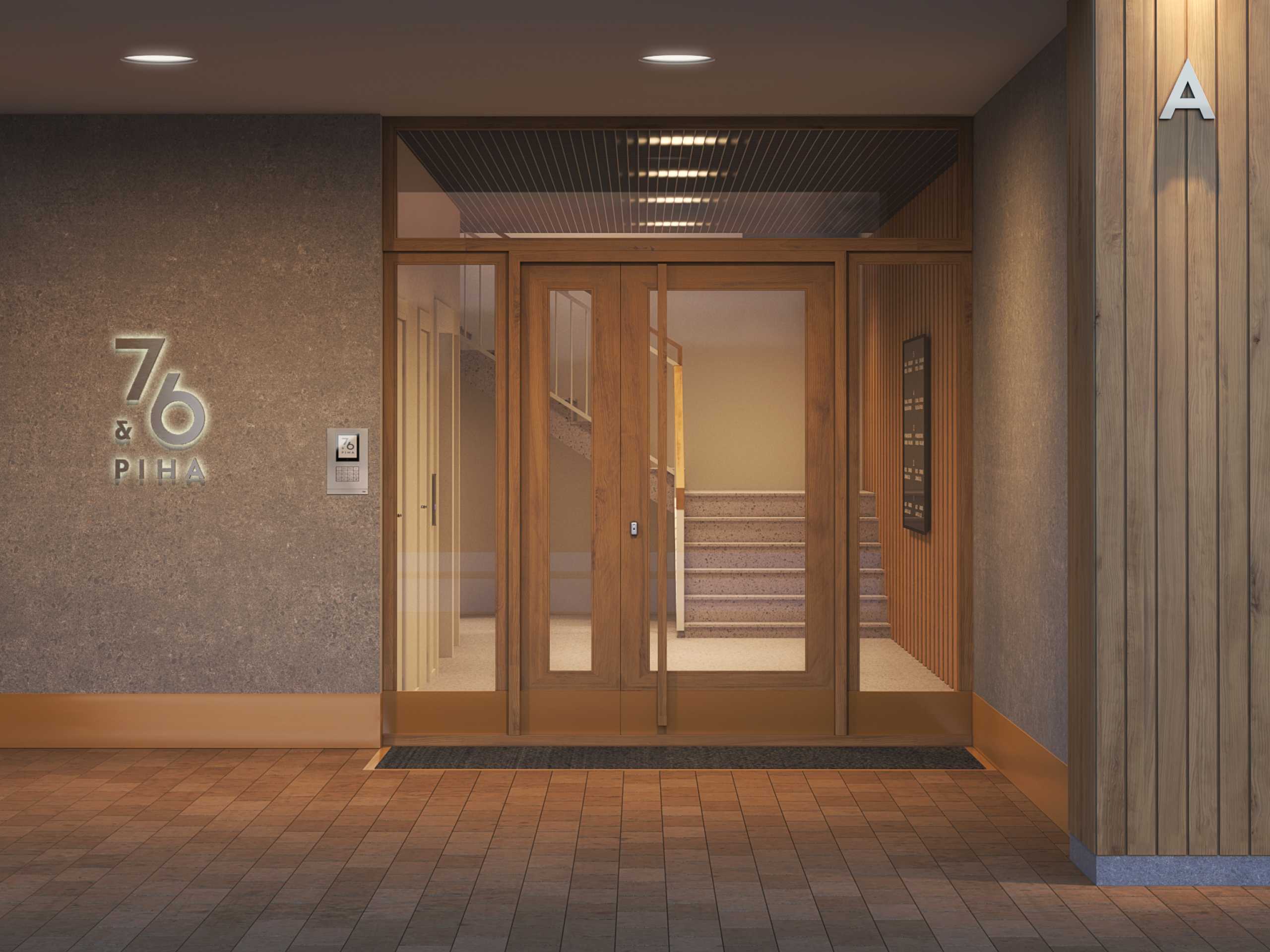
Sharing static door codes with outsiders like guests and couriers is a safety issue and hence often forbidden. With the N&B app, you can easily create door codes for your guests that are only valid for a limited time.

This is how it works

Create a door code for your guest

  1. Open the "Doorcode " view within the application, which you can find on the application's homepage.
  2. Select the date field to change it to a different day. The current date and time is automatically selected by default.
  3. Choose the start and end times for the code by clicking on the respective field and selecting your desired times. The maximum validity period for the door code is 24 hours.
  4. After confirming that the chosen timeframe is correct, press "Create door code."
  5. In the summary view, you will see the code's expiration time and a numeric code that you can copy to share with someone, such as a friend, by tapping on the code.
  6. To unlock the main entrance of the building, enter the code into the door's locking panel. There's always # at the end of the code.

Book services in an appBook services

Receive deliveries

If your N&B home has a package room or package locker available, you can instruct the courier to place your incoming delivery there behind locked doors. The app generates a PIN code for you, which you can share with the courier. With this code, they can access the building's front door and the package area, allowing them to leave the package for you.

Please note that all residents in the building have the option to create codes for the package locker. However, creating a code leaves a trace in the log records, so any unauthorized access to neighbors' deliveries can be quickly identified.

You can see the bulletins from the housing company and send messagesHousing company communication

Communication with housing company

All the communication in one place

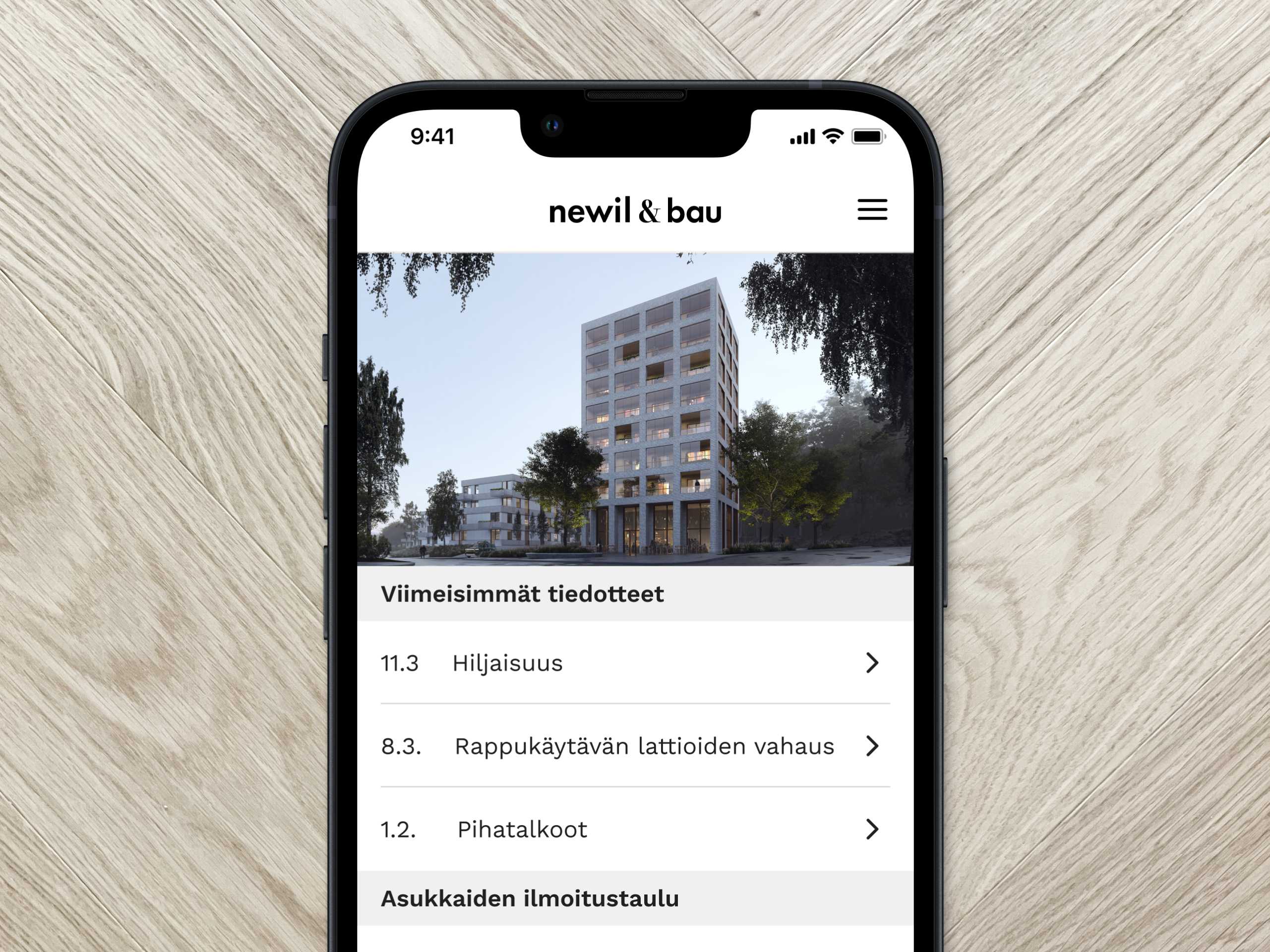
With the N&B application, you stay on top of the housing company's communications. Messages from the property manager and the housing association's board can be sent centrally to one place, and you can get a notification on your phone if you want. You can also easily make service requests directly through the application.

Push notifications

Take push notifications in use to keep updated

If you allow the app to send push notifications, your phone will automatically alert you when there are new important announcements in the N&B app. You can grant permission by tapping ‘Allow’ in the prompt on the app’s home screen or later through your device’s notification settings.

On Apple iOS devices
  • Notifications are enabled in your iOS device's general Settings menu. Scroll down to find your list of installed apps. Select the Newil&Bau App and go to its notification settings. Grant permission to stay up to date.
On Android devices
  • Notifications are enabled your Android device's general Settings menu, under the Notifications section. There, you can enable notifications either for the whole device or per app. Allow notifications for the Newil&Bau App to stay informed.

Community building can happen in digital messaging boardDigital message board

Messages

Communicate with your neighbors with a digital notice board

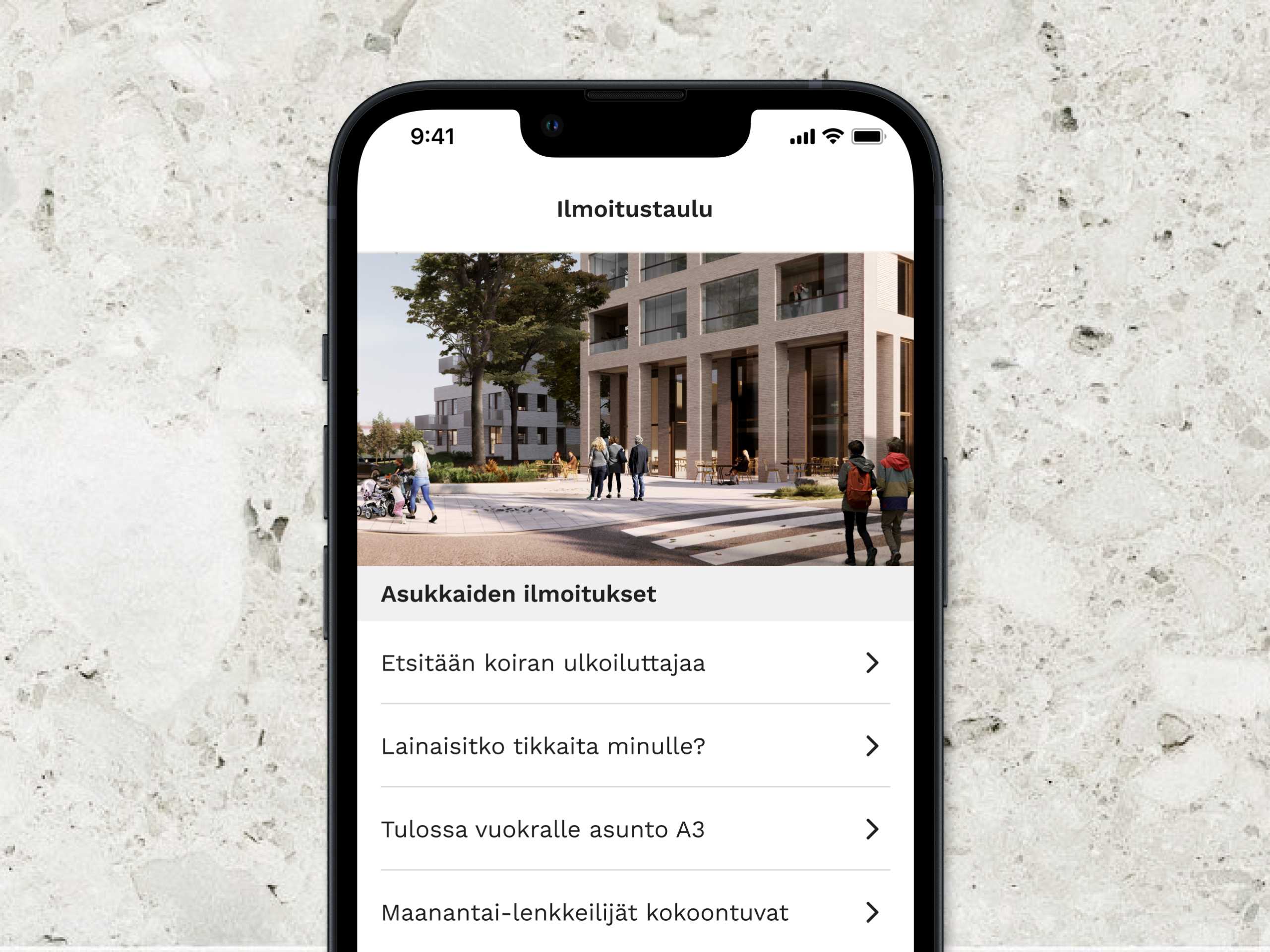
In N&B locations, the messy notice board in the lobby has been replaced by a convenient and stylish digital screen. You can send messages through the application that are visible to other residents both on the screen and in the application. This way, the N&B application provides a natural basis for the commonality of the residents.

Usage of the bulletin board

Use the digital bulletin board for communication between the neighbours

The N&B app is a natural platform for community building among residents. The noticeboard feature is perfect for things like:

  • Organizing shared activities to get to know your neighbors better
  • Asking for or offering help for example for walking a dog, watering plants during a holiday, or babysitting
  • Posting about lost or found items
  • Giving away or borrowing items
  • Announcing a rental listing if you own an apartment in the building

That's how it goes.

Send your own post to appear on the bulletin board.

  1. Open the app’s Bulletin Board view.
  2. Tap ‘Write a post’ and enter a short, clear title along with the main message.
  3. Please be polite and considerate toward your neighbors when writing on the bulletin board — your name will automatically appear with the message. If you'd like others to contact you regarding your message, include your preferred method of contact. Just keep in mind that, for example, a phone number you provide will also be visible on the lobby screen.
  4. Once you tap ‘Send post’, your message will instantly appear on the residents’ bulletin board.

Habitant's guide collects all the important information about your apartment in one placeDigital home information folder

Home folder

Never lose important documents

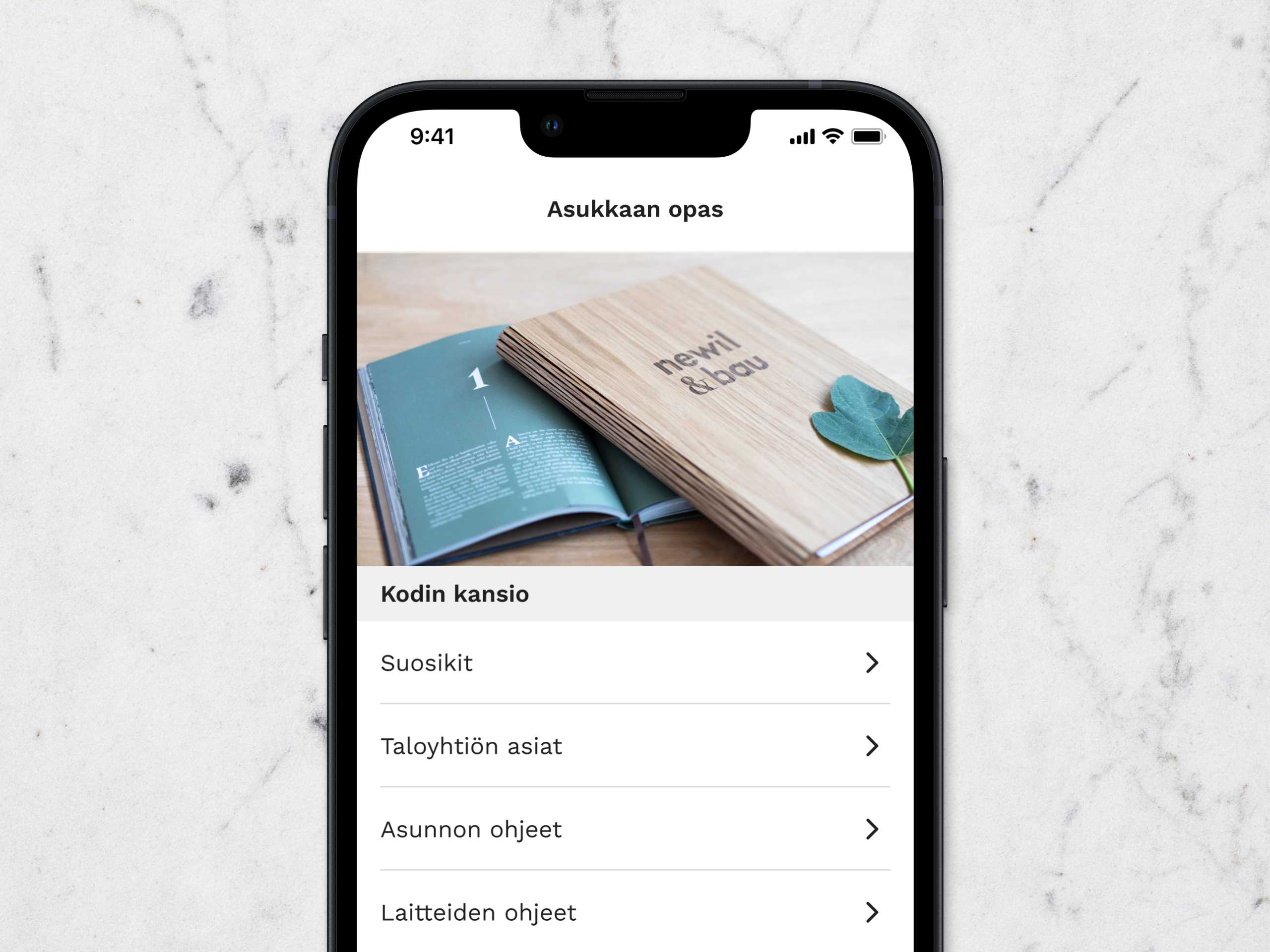
House documents, contact information, appliance manuals – there is no shortage of documents when buying a new home. N&B app provides you with easy access to the materials whenever you need them.

The content of the Resident guide

You'll find guidance and contact info in the resident guide

  • Important contact information for the housing company
  • Descriptions of shared spaces
  • Parking and garage instructions
  • Guidelines for shared services such as the shared car and bicycles (services may vary according to a housing company)
  • Internet instructions for the housing company
  • House rules
  • Emergency evacuation instructions

Positive feedback

Give feedback

How did this page work for you today?

Did you find what you were looking for? Were you excited? Was your experience great or bad with this page?